

Leaderboard
-
Bruce Willis
Администраторы2Баллы5 595Число публикаций -
artmel
Администраторы1Баллы349Число публикаций


Popular Content
Showing content with the highest reputation on 08.06.2021 in all areas
-
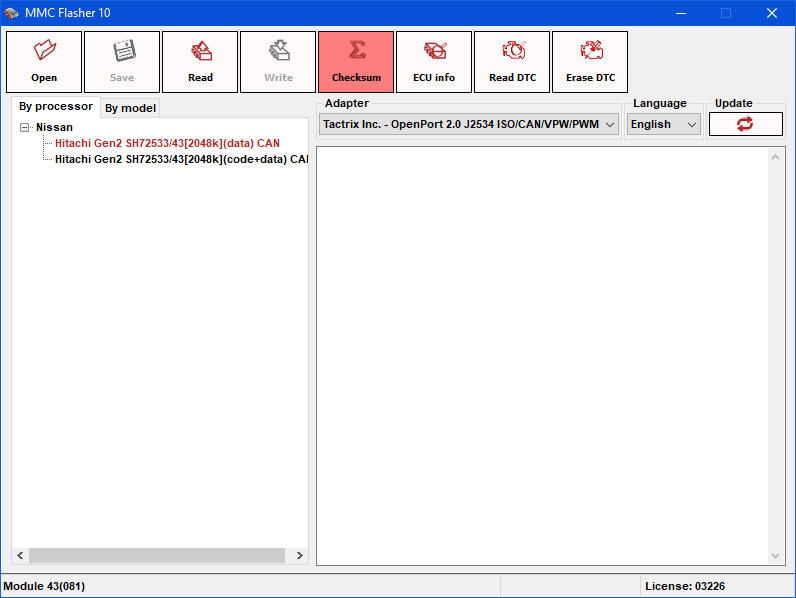
Обновили модуль, теперь можно обновлять прошивку. Запрос самой прошивки пока осуществляется через support, далее сделаем виртуальное чтение. Так же обновился список идентификаторов. [Adapter name] Tactrix Inc. - OpenPort 2.0 J2534 ISO/CAN/VPW/PWM [Firmware version] 1.17.4869 [Dll version] 1.01.4247 Apr 18 2014 16:14:11 [00:47:37] Software: 14C92A [00:47:37] Part number: 23710-4C92A [00:47:37] Base software: 4BB1A [00:47:37] Hardware: F4KH1DQGNV1 [00:47:37] Diag ID: A0 [00:47:37] Supplier: A0604 [00:47:37] Manufacturer: 80 [00:47:37] CVN: 1B266235 Base software: 4BB1A - это тот софт, с которым блок шел с завода и по которому его можно заказать 23710-4BB1A
 2 points
 -
1 pointVAG EDC17C64 отключение SCR Редактор теперь отключает SCR (ADBLUE) в блоках VAG EDC17C64 https://ffffff.ru/news.php?ocd=view&id=1321 point