Перейти к контенту
View in the app

A better way to browse. Learn more.

MMCFLASH

A full-screen app on your home screen with push notifications, badges and more.

To install this app on iOS and iPadOS
  1. Tap the Share icon in Safari
  2. Scroll the menu and tap Add to Home Screen.
  3. Tap Add in the top-right corner.
To install this app on Android
  1. Tap the 3-dot menu (⋮) in the top-right corner of the browser.
  2. Tap Add to Home screen or Install app.
  3. Confirm by tapping Install.

sva39

Пользователи
  • Регистрация

  • Последнее посещение

Весь контент пользователя sva39

  1. тема форума ответил на Bruce Willis автора sva39 в Описание Модулей
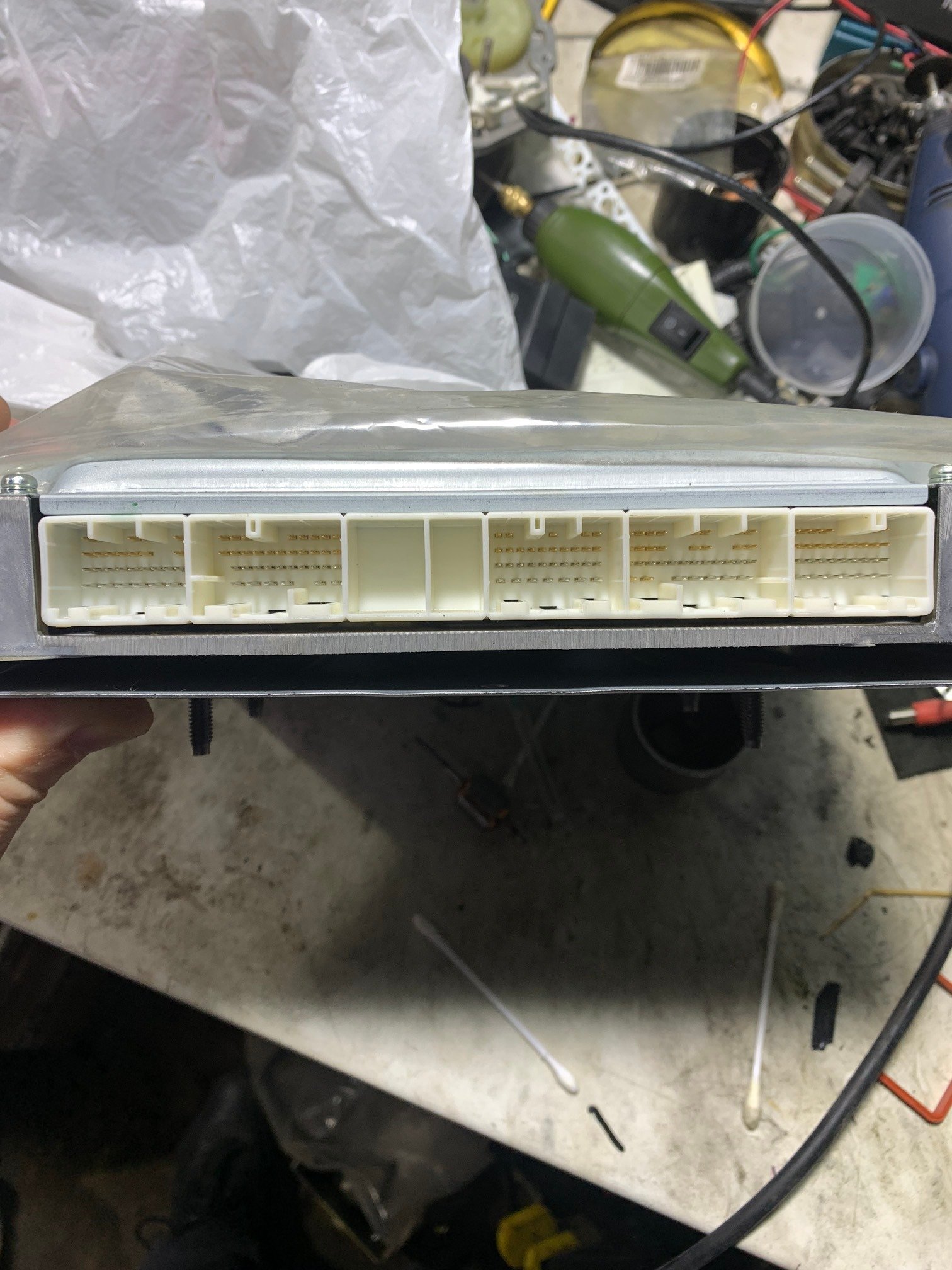
    Здраствуйте, у кого нибудь есть распиновка блока transtron 6wg1e5rc?
  2. тема форума ответил на Bruce Willis автора sva39 в Описание Модулей
    Здраствуйте, хотел бы приобрести данный модуль, интересует он возьмет isuzu giga 2018 transtron 6wg1?

Account

Navigation

Поиск

Поиск

Configure browser push notifications

Chrome (Android)
  1. Tap the lock icon next to the address bar.
  2. Tap Permissions → Notifications.
  3. Adjust your preference.
Chrome (Desktop)
  1. Click the padlock icon in the address bar.
  2. Select Site settings.
  3. Find Notifications and adjust your preference.