

Перейти к контенту
View in the app

A better way to browse. Learn more.

MMCFLASH

A full-screen app on your home screen with push notifications, badges and more.

To install this app on iOS and iPadOS
  1. Tap the Share icon in Safari
  2. Scroll the menu and tap Add to Home Screen.
  3. Tap Add in the top-right corner.
To install this app on Android
  1. Tap the 3-dot menu (⋮) in the top-right corner of the browser.
  2. Tap Add to Home screen or Install app.
  3. Confirm by tapping Install.

PROTOS

MMC User
  • Регистрация

  • Последнее посещение

Весь контент пользователя PROTOS

  1. БОЛЬШОЕ СПАСИБО! все получилось авто работает ошибок нет
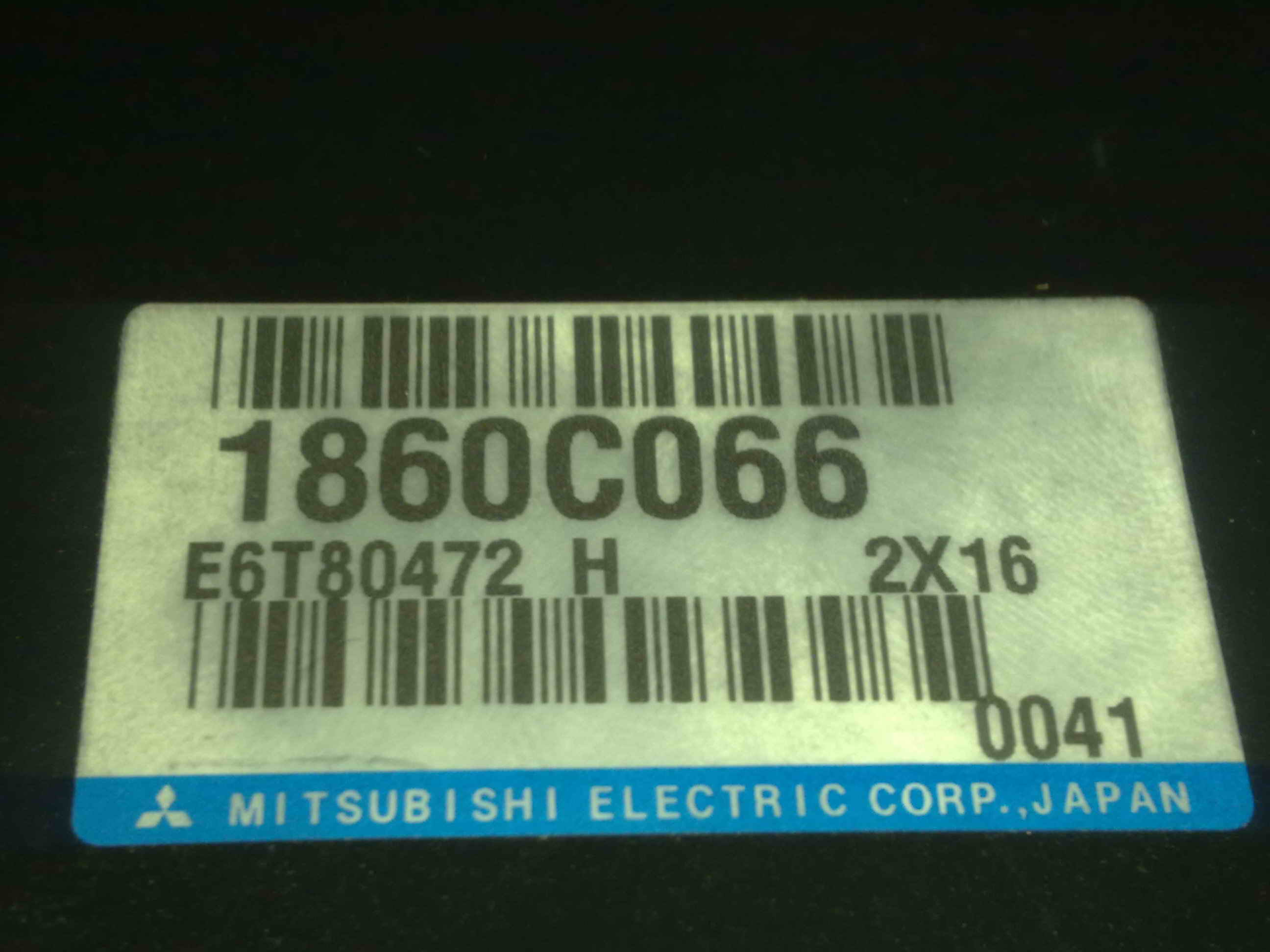
  2. доброго времени суток помогите пож со стоковой прошивкой умудрился стереть половину стоковой прошивки на MITSUBISHI LANCER EX 2 конец 2012года LANCER EX CY4A STXHLW Eng 4B11(2.0,D4,MPI ,MIVEC) GEAR F1CJA(CVT-2WD) шильда моторного 186C066 E6T80472 первая половина прошивы сохранилась софт SM5990 заранее большое спасибо 512.rar
Account

Navigation

Поиск

Поиск

Configure browser push notifications

Chrome (Android)
  1. Tap the lock icon next to the address bar.
  2. Tap Permissions → Notifications.
  3. Adjust your preference.
Chrome (Desktop)
  1. Click the padlock icon in the address bar.
  2. Select Site settings.
  3. Find Notifications and adjust your preference.