Перейти к контенту
View in the app

A better way to browse. Learn more.

MMCFLASH

A full-screen app on your home screen with push notifications, badges and more.

To install this app on iOS and iPadOS
  1. Tap the Share icon in Safari
  2. Scroll the menu and tap Add to Home Screen.
  3. Tap Add in the top-right corner.
To install this app on Android
  1. Tap the 3-dot menu (⋮) in the top-right corner of the browser.
  2. Tap Add to Home screen or Install app.
  3. Confirm by tapping Install.

Сергей1970

MMC User
  • Регистрация

  • Последнее посещение

Весь контент пользователя Сергей1970

  1. День добрый, подскажите: авто Mitsubishi ASX 2012 1.8 CVT , какой блок может стоять (авто не рядом)? Спасибо
  2. Спасибо, есть ли какие подводные камни при работе с этим блоком?
  3. Всем доброго времени суток. Подскажите, какой ЭБУ м.б. на авто Volvo s40 2007г. 2.4 АТ? Какой модуль может с ним работать?. Спасибо.
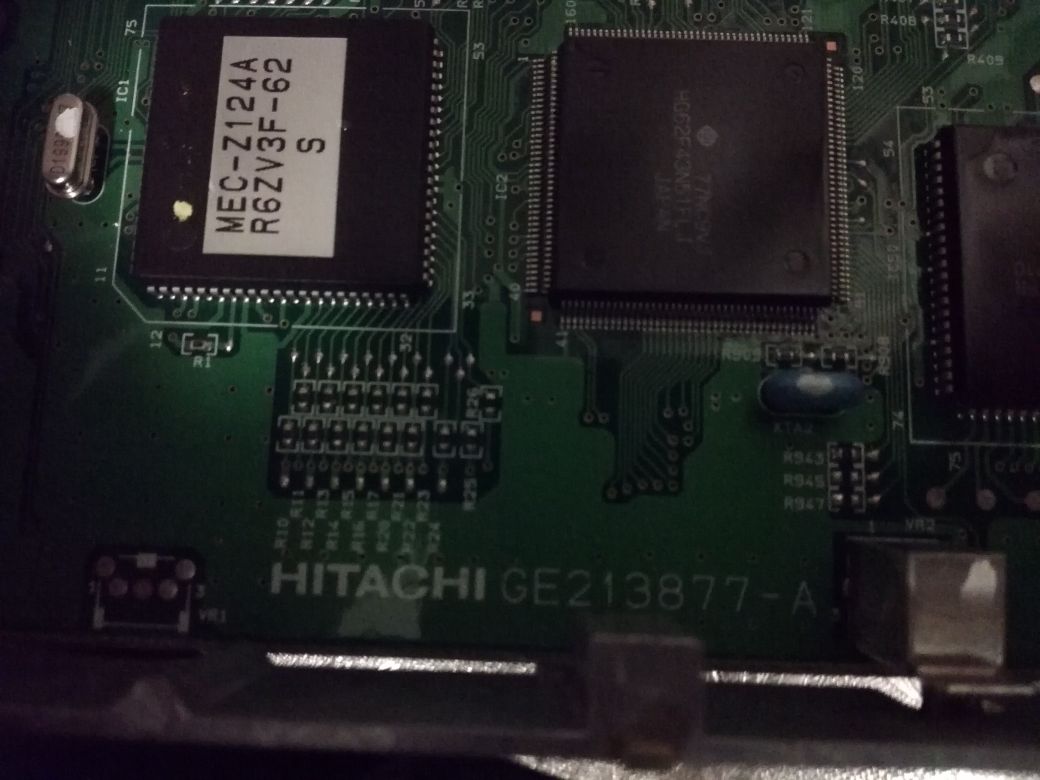
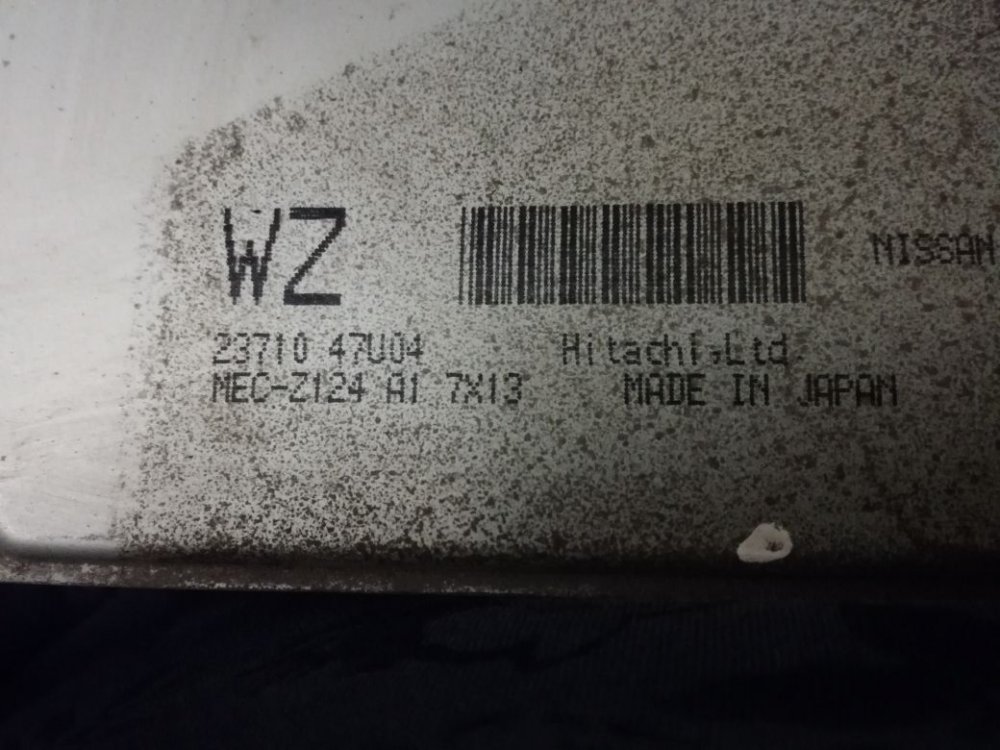
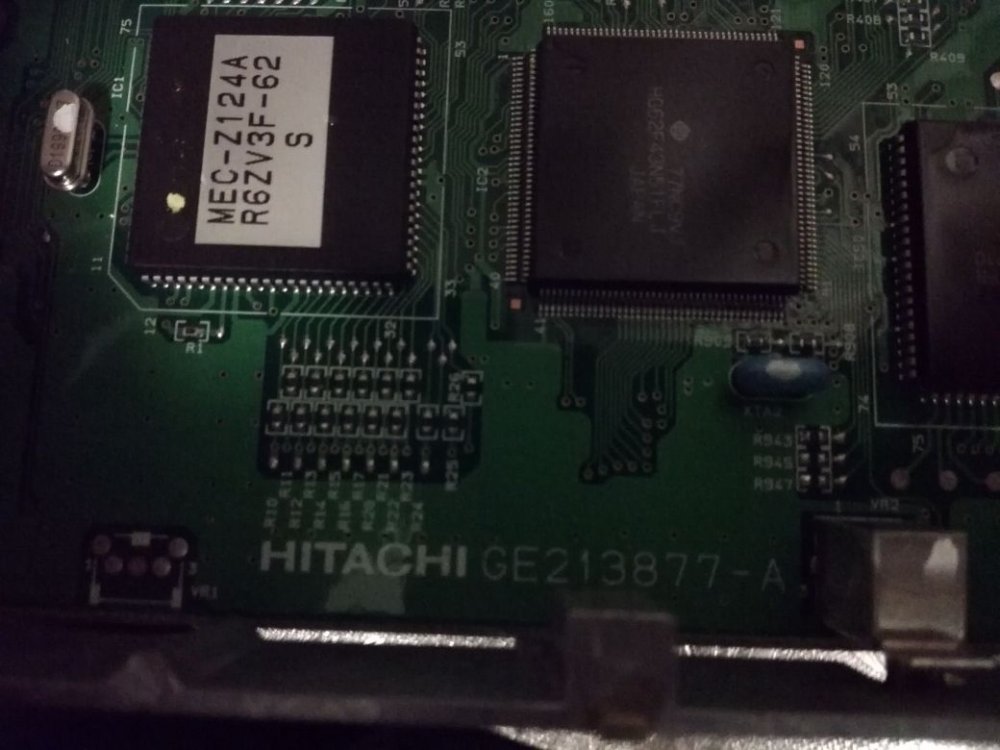
  4. День добрый. Подскажите - авто: Nissan Maxima A32 1998 г. 3.0 мт, фото блока прилагаю. Возможно ли его прошить и каким модулем? Спасибо.
Account

Navigation

Поиск

Поиск

Configure browser push notifications

Chrome (Android)
  1. Tap the lock icon next to the address bar.
  2. Tap Permissions → Notifications.
  3. Adjust your preference.
Chrome (Desktop)
  1. Click the padlock icon in the address bar.
  2. Select Site settings.
  3. Find Notifications and adjust your preference.