Перейти к контенту
View in the app

A better way to browse. Learn more.

MMCFLASH

A full-screen app on your home screen with push notifications, badges and more.

To install this app on iOS and iPadOS
  1. Tap the Share icon in Safari
  2. Scroll the menu and tap Add to Home Screen.
  3. Tap Add in the top-right corner.
To install this app on Android
  1. Tap the 3-dot menu (⋮) in the top-right corner of the browser.
  2. Tap Add to Home screen or Install app.
  3. Confirm by tapping Install.

artes2233

Пользователи
  • Регистрация

  • Последнее посещение

  1. тема форума ответил на artes2233 автора artes2233 в Mitsubishi
    Еще хотел спросить, не будет ли у тебя распиновки этого блока, чтобы на столе соединить
  2. тема форума ответил на artes2233 автора artes2233 в Mitsubishi
    А то что он Flash стереть не может, mmcflasher все сделает?
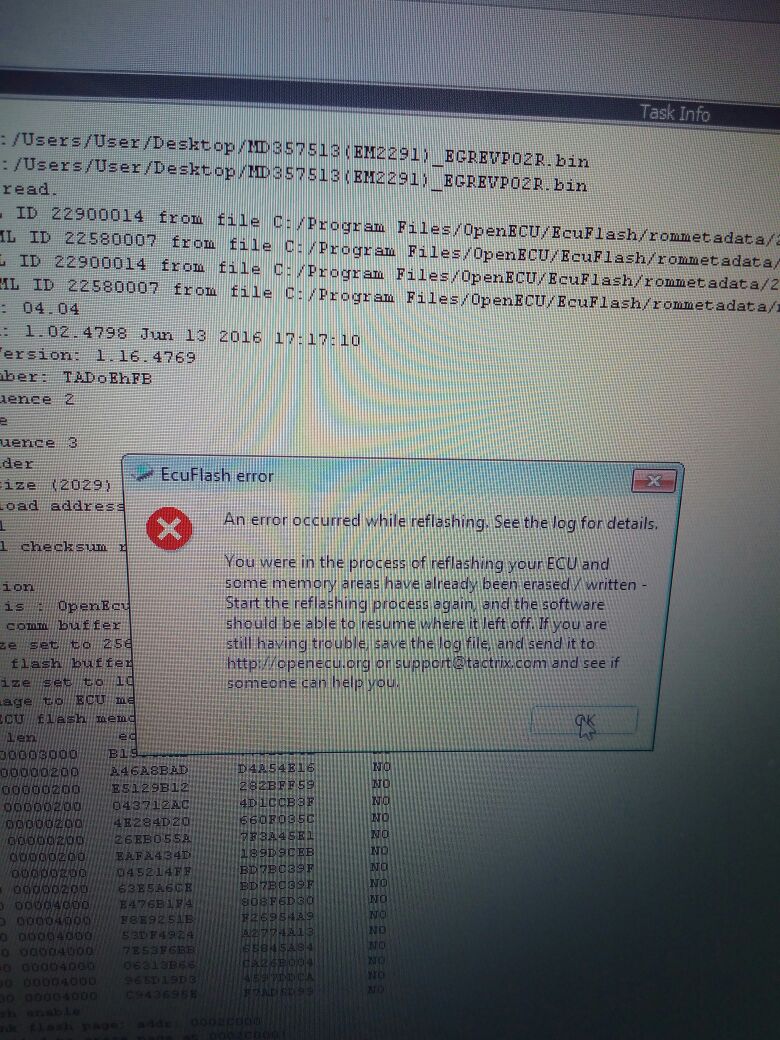
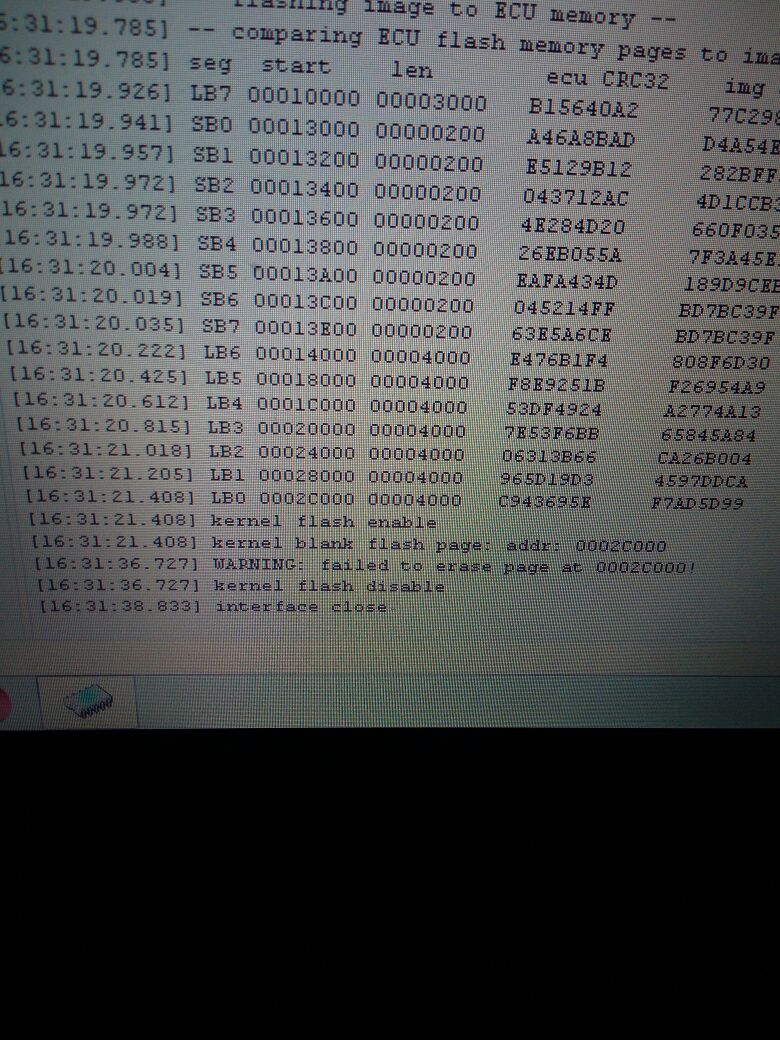
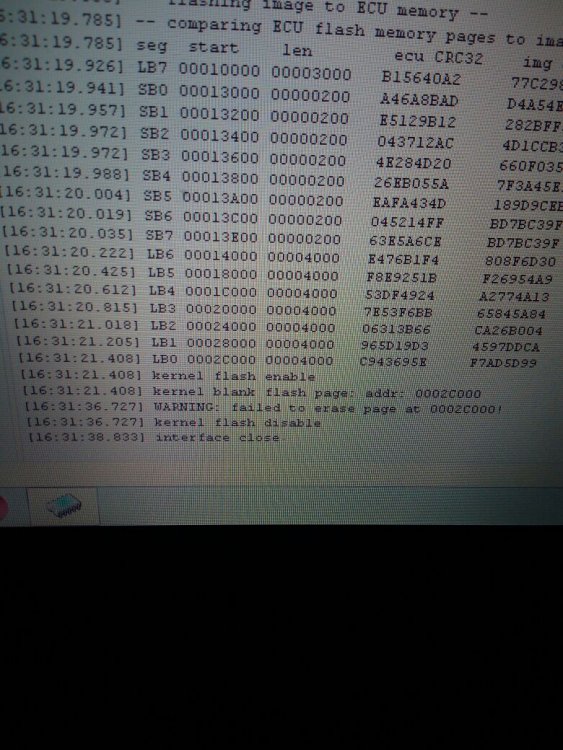
  3. Всем привет, тут возникла проблема, прошивал Mitsubishi Montero Sport 3.0 L 1998г. И на половине записи выдало ошибку. Попробовал еще раз , выдает ошибку, то что не может обнулить Flash. Оригинал обратно не заливается. Но прошивку считывает. Писал OpenPort 2.0 оригинал и программой EcuFlash. За любые подсказки буду очень благодарен. Машина не заводится. Блок md357513.
Account

Navigation

Поиск

Поиск

Configure browser push notifications

Chrome (Android)
  1. Tap the lock icon next to the address bar.
  2. Tap Permissions → Notifications.
  3. Adjust your preference.
Chrome (Desktop)
  1. Click the padlock icon in the address bar.
  2. Select Site settings.
  3. Find Notifications and adjust your preference.