kittypong46
Пользователи
-
Регистрация
-
Последнее посещение
Весь контент пользователя kittypong46
-
I would like to get help Module 24 can't reading and show error as atteched photo so please suggest how can i solve this problem thanks PS Mazda 3 BL 1.6 MY2012 MMC identify use Module 24
-
I would like to know what module number of Nissan almera 1.0 Turbo as detail [Adapter name] Tactrix inc. - OpenPort 2.0 J2534 ISO/CAN/VPWIPWM [Firmware version] 1.17.4877 [DIl version] 1.01.4247 Apr 18 2014 16:14:11 [14:23:44] Software version: 237105EK3B [14:23:44] Calibration: 1L01H8 [14:23:44] Hardware part number: 237035EKOA [14:23:44] Serial number: 6005M332111601541AR7 [14:23:44] CVN:21C4746C [14:23:44] VIN: MNTBAAN18Z0023156 Warning: unable to identify module thanks advance
-
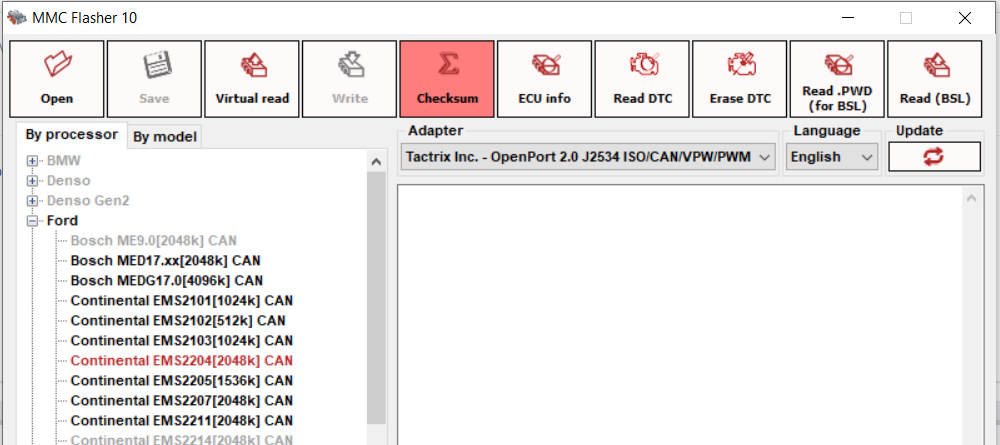
Reading SID209 in ford everest 3.2 L is very slow who can help to fix it thanks PS : use interface J2534 by Tactrix openport 2.0
-
i have a quastion sir i have got .vbf file from Ford server and converted it to .bin by MMCFlasher ( open vbf and save to bin ) then modifly it at the same time i got .PWD file from button " Read .PWD (For SBL ) " if i want to write modified file to ecu what i need to do for next step , need to access BSL before write ? please sugget PS i can't get bin file from visual read due to process download is error please help ( already connected internet )