Перейти к контенту
View in the app

A better way to browse. Learn more.

MMCFLASH

A full-screen app on your home screen with push notifications, badges and more.

To install this app on iOS and iPadOS
  1. Tap the Share icon in Safari
  2. Scroll the menu and tap Add to Home Screen.
  3. Tap Add in the top-right corner.
To install this app on Android
  1. Tap the 3-dot menu (⋮) in the top-right corner of the browser.
  2. Tap Add to Home screen or Install app.
  3. Confirm by tapping Install.

ovnisf

Пользователи
  • Регистрация

  • Последнее посещение

  1. тема форума ответил на Bruce Willis автора ovnisf в Описание Модулей
    I have similar software with ********. I read and transfer on a PCM150 unit. Unit I wrote to did not start car and was still showing wrong vin. Does your software do a full clone?
  2. тема форума ответил на Bruce Willis автора ovnisf в Описание Модулей
    Is this good for Mini cooper modules? MED17.2, MEV17.2, etc..
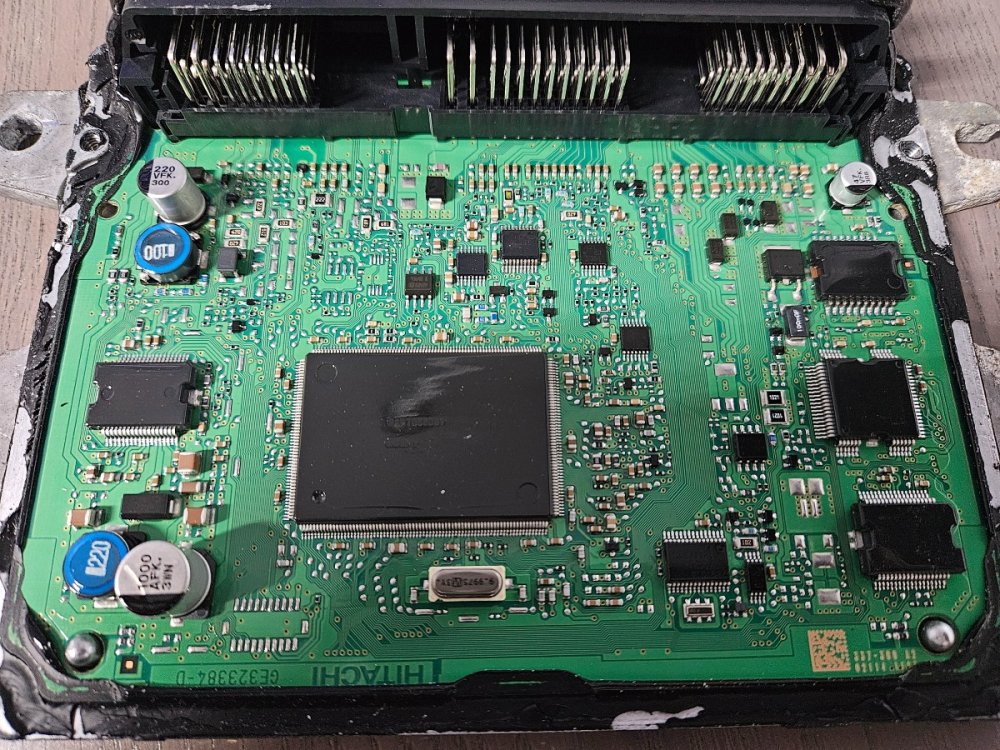
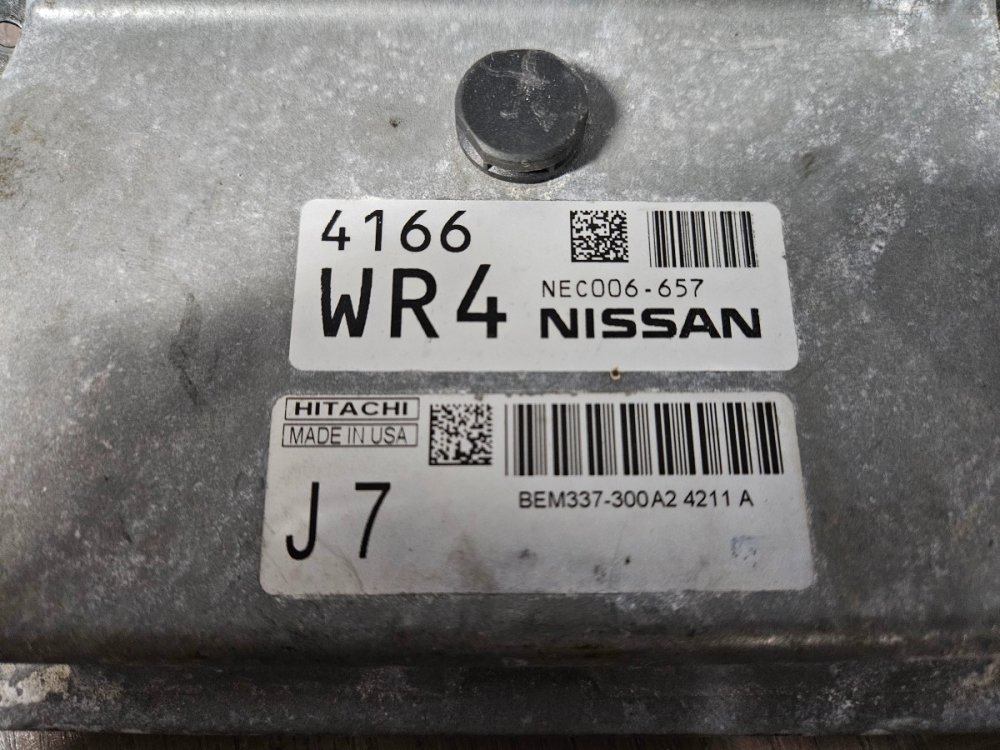
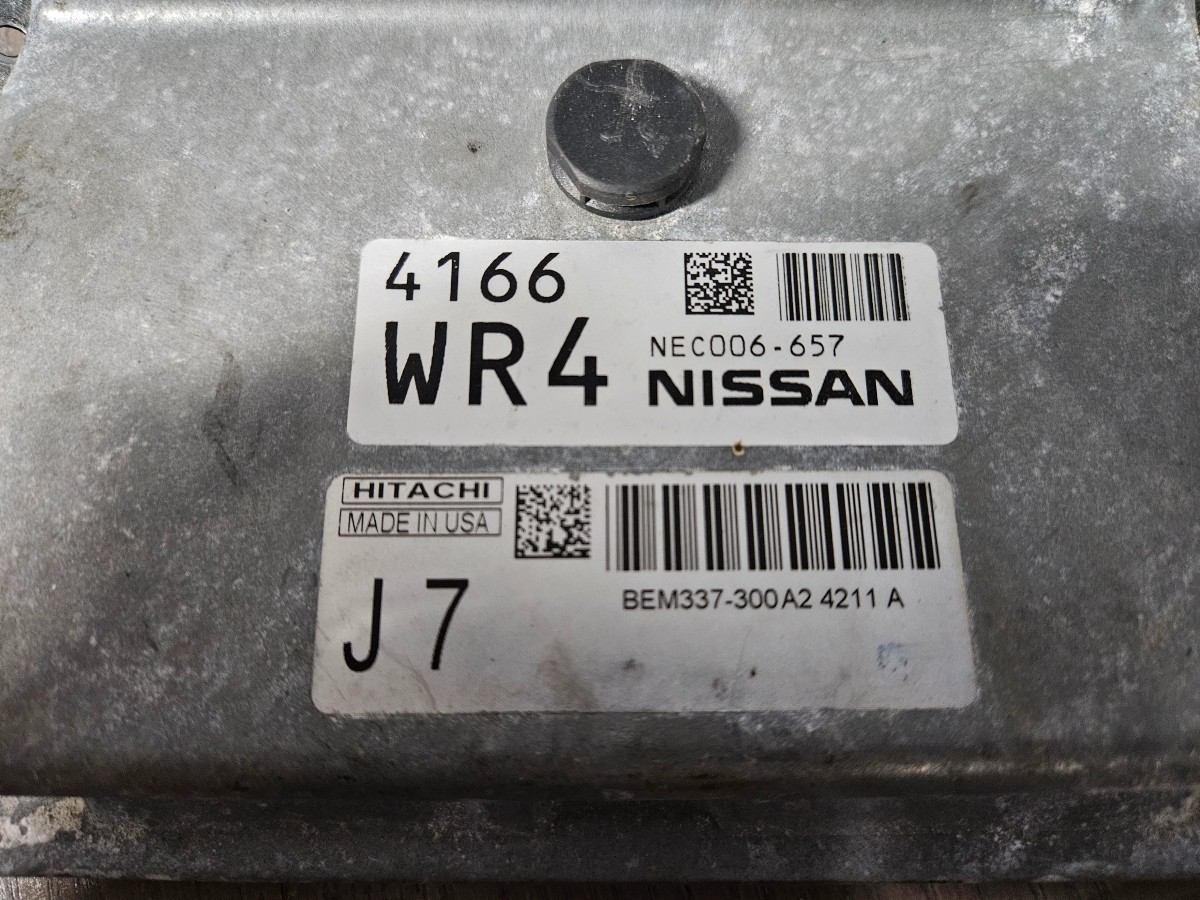
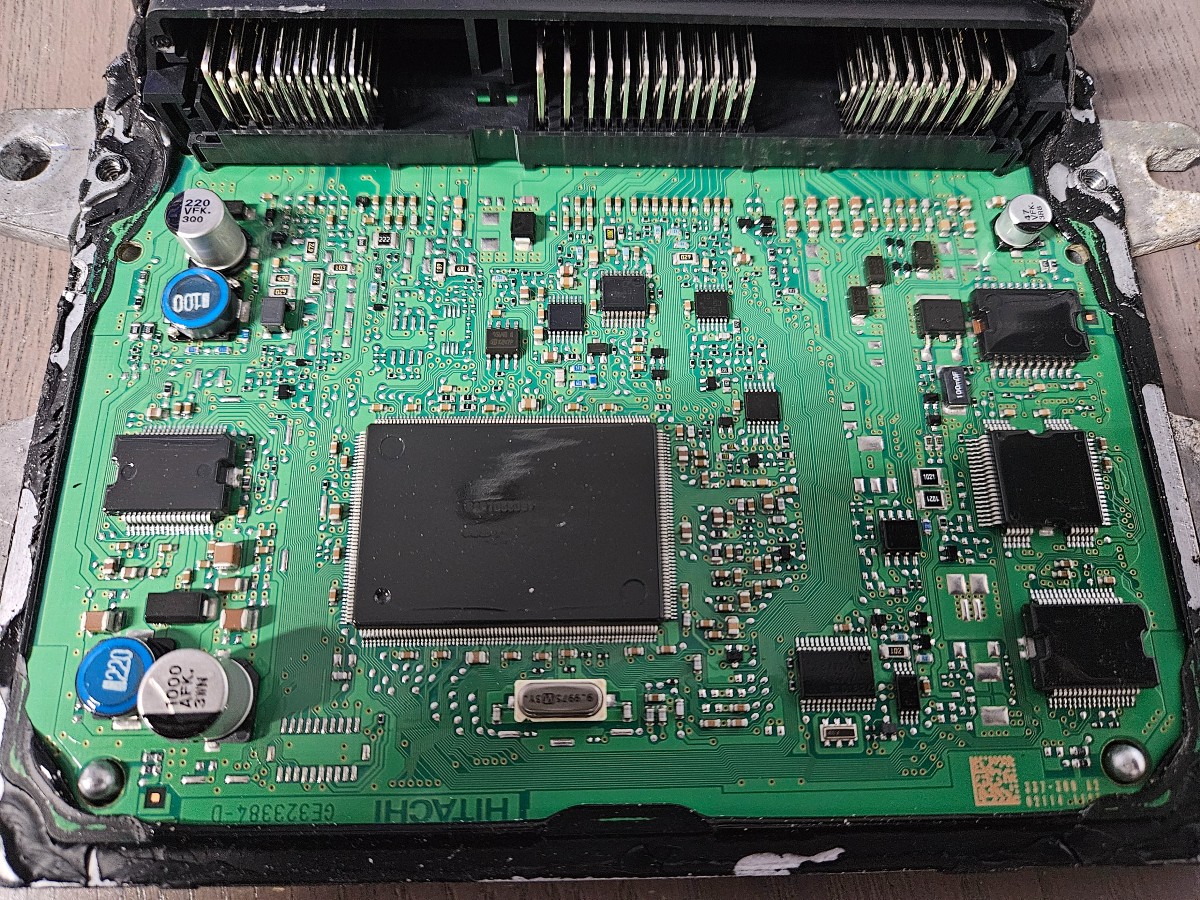
  3. Ohhh. Thought I had to buy where I got dongle from. I will buy all license for future on your site. I have another question. Most modules 13+ require cloning in my country. I opened a 16 sentra computer and it shows SH7058. Does this mean I don't have to clone? I can just relearn keys and change VIN with diag tool? Same like 12 and older units? Pics attached
  4. Thank you. Just bought 103 and 104 from ecutools. 😉
  5. Hello. Im a bit confused with 103. All I want to do is clone module from one unit to another. Do I just buy Normal?
Account

Navigation

Поиск

Поиск

Configure browser push notifications

Chrome (Android)
  1. Tap the lock icon next to the address bar.
  2. Tap Permissions → Notifications.
  3. Adjust your preference.
Chrome (Desktop)
  1. Click the padlock icon in the address bar.
  2. Select Site settings.
  3. Find Notifications and adjust your preference.