
strel05
Администраторы
-
Регистрация
-
Последнее посещение
Весь контент пользователя strel05
-
For the MMC Flash loader to function correctly on recent versions of Windows, you need to add it to the Defender exclusions rather than disabling Defender itself. To do this, go to the "Update and Security" in the system settings. Next, go to the "Windows Security" Go to Virus & Threat Protection In the virus & threat protection settings, go to Manage settings Scroll down to Exceptions and click "Add or remove exceptions" Add the folder with the installed program and the mmcflasher.exe file to the exceptions After adding, you need to reinstall (update) the program.


-
Для корректной работы загрузчика MMC Flash в последних версиях Windows необходимо добавить его в исключения защитника, а не просто выключить сам защитник. Для этого в параметрах системы нужно зайти в раздел "Обновление и безопасность" Далее перейти в раздел "Безопасность Windows" Зайти в Защиту от вирусов и угроз В параметрах защиты от вирусов и других угроз зайти в Управление настройками Пролистать вниз до Исключений и зайти в "Добавление или удаление исключений" Добавить в исключения папку с установленной программой и файл mmcflasher.exe После добавления необходимо переустановить (обновить) программу.


-
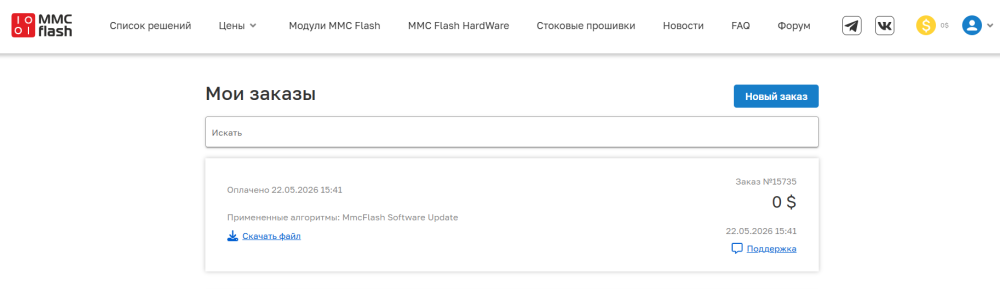
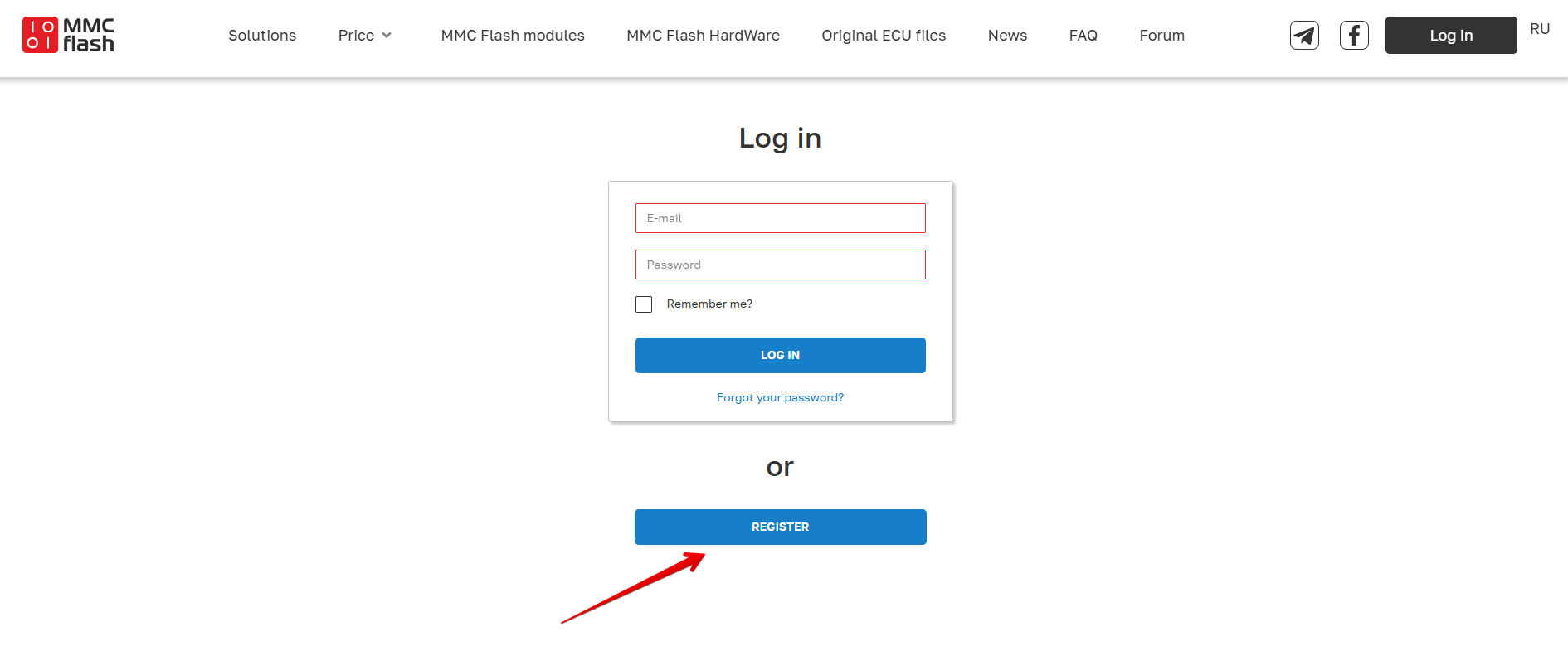
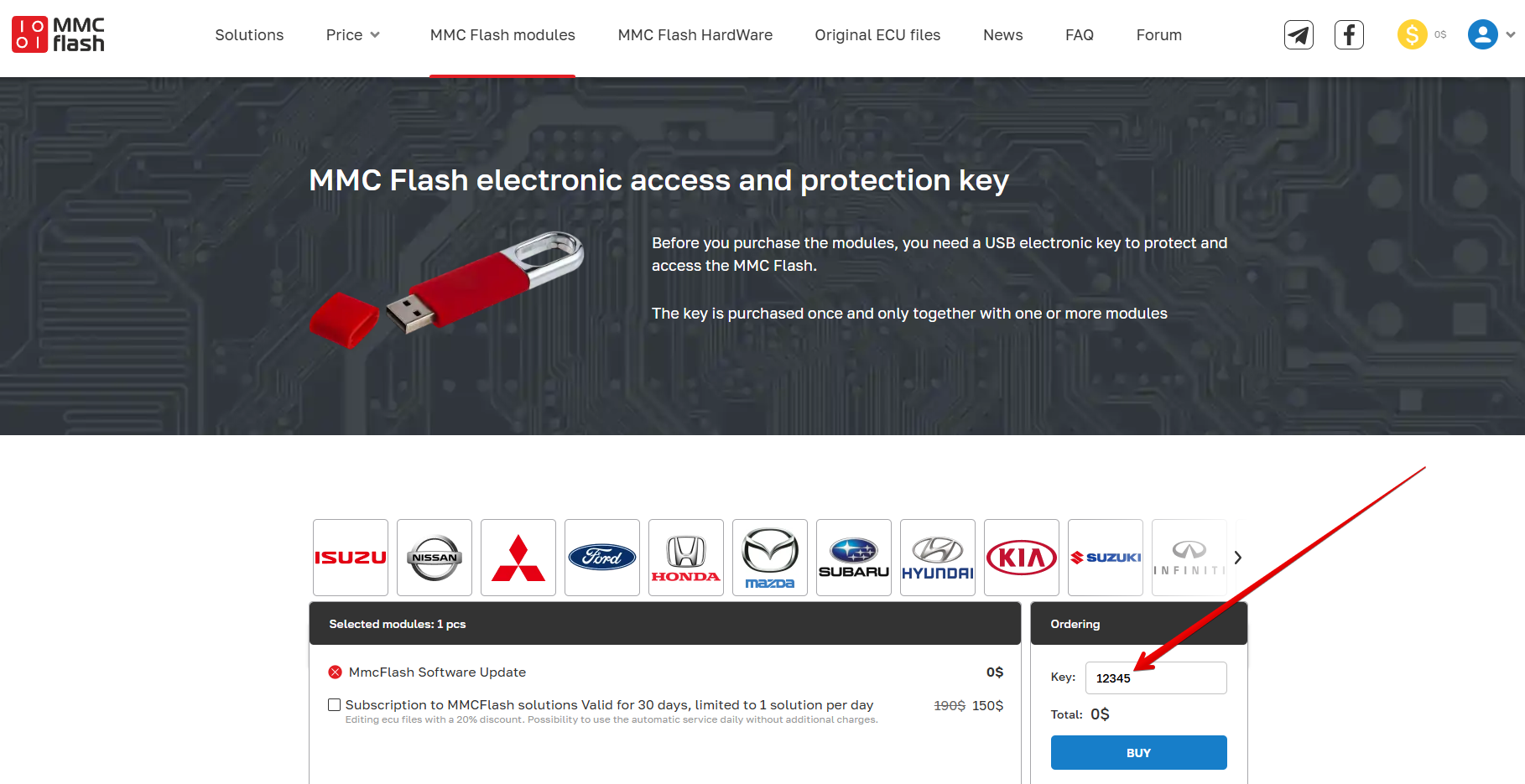
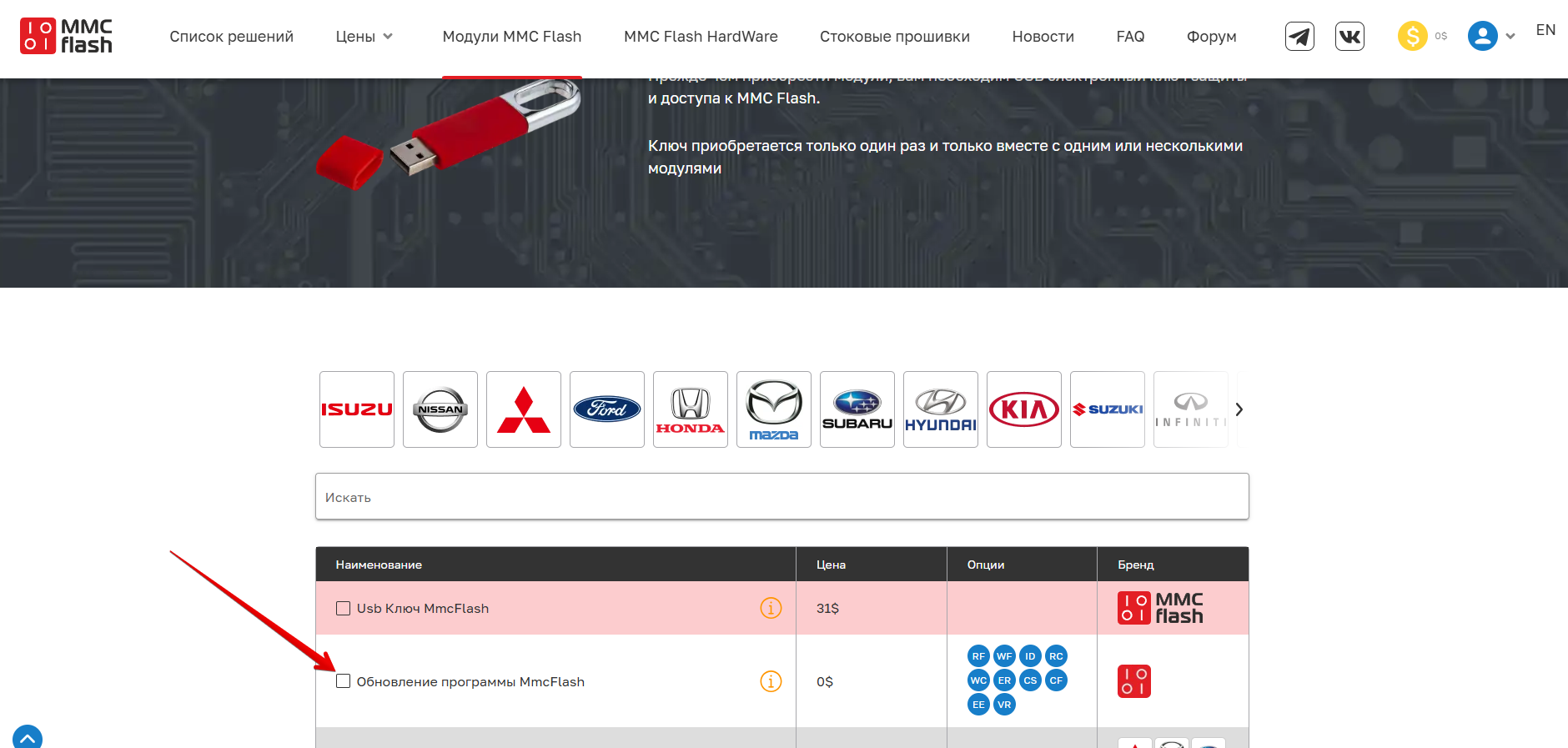
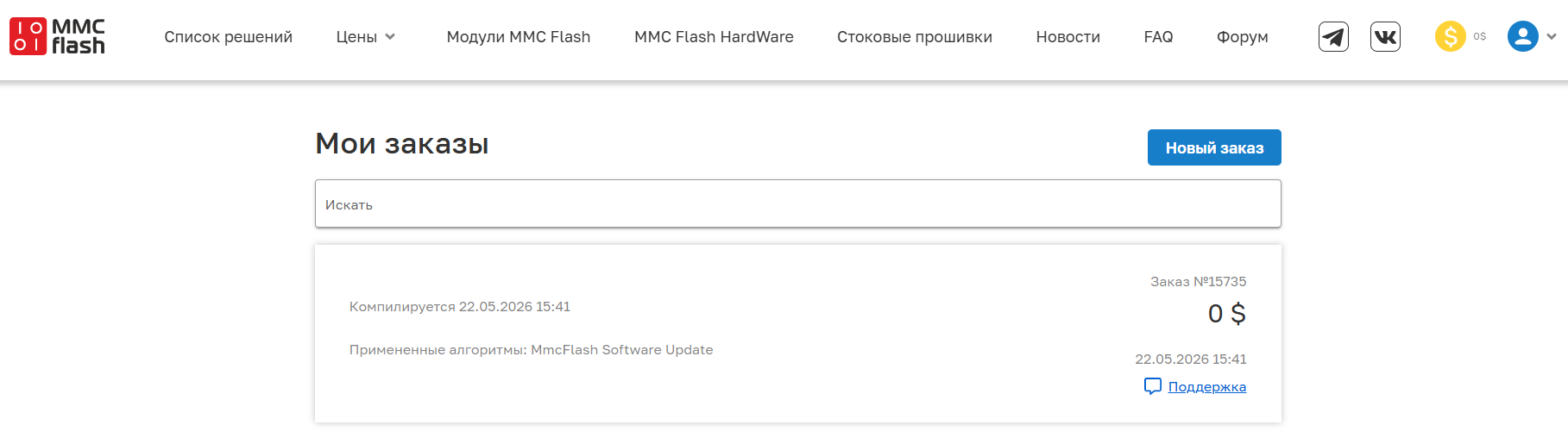
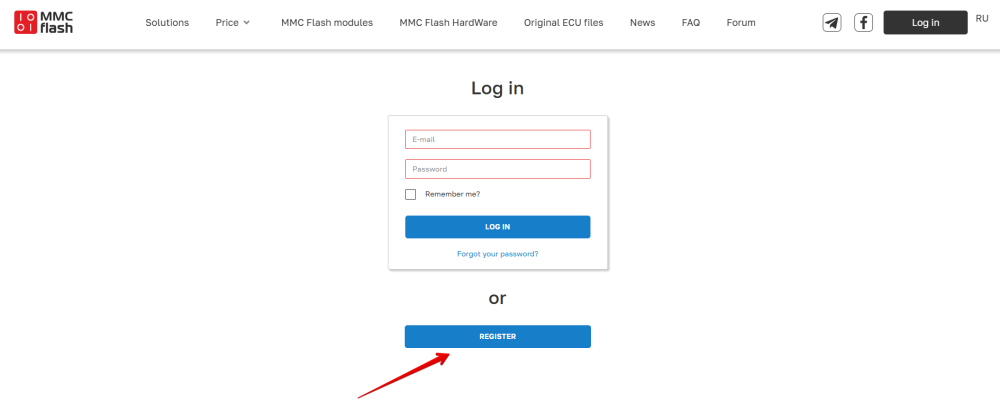
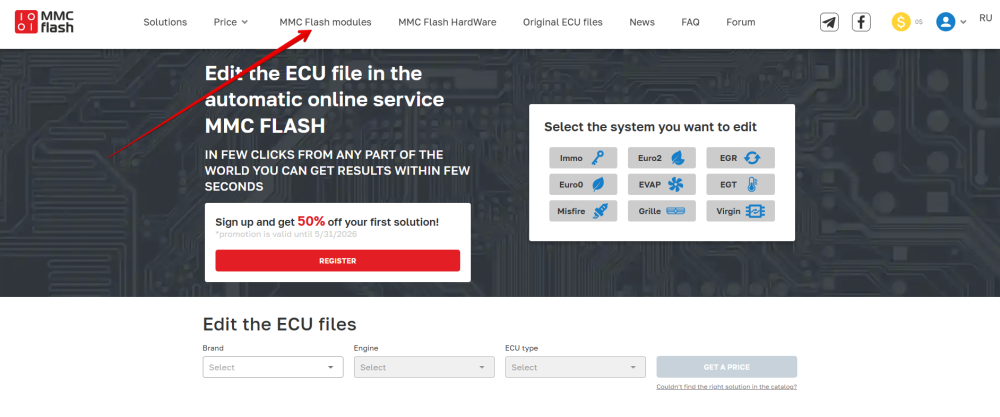
You can update the software from within the program itself by clicking the update button in the interface. For earlier versions, you must download the latest version and reinstall it. To get the latest version of the software, go to https://mmcflash.eu/ Register Go to the MMC Flash Modules tab Select MmcFlash Software Update Enter your key number in the input field and click the BUY button In the window that opens, check the consent box and click GET SOLUTION After this, you will be redirected to your orders page, where the update order will be displayed in the "compiling" status After a minute, you can refresh the page; a link to download the archive with the installation file will appear in the order. The password for the archive is mmcflash.ru Download the archive, unzip it, and install it. In recent versions of Windows, you need to add the software to the Windows Defender exclusion list.


-
Обновление загрузчика можно произвести из самой программы, нажав на кнопку обновления в интерфейсе. Для более ранних версий необходимо скачать последнюю версию и установить заново. Для получения последней версии загрузчика нужно перети на сайт https://mmcflash.ru/ Зарегистрироваться Перейти на вкладку Модули MMC Flash Выбрать Обновление программы MmcFlash Ввести номер вашего ключа в поле ввода и нажать кнопку КУПИТЬ В открывшемся окне поставить галку согласия и нажать ПОЛУЧИТЬ РЕШЕНИЕ После этого будет выполнен переход на страницу ваших заказов, где будет отображаться заказ на обновление в статусе "компиляция" Через минуту можно обновить страницу, в заказе появится ссылка на скачивание архива с файлом установки. Пароль на архив mmcflash.ru Скачайте архив, распакуйте и установите. В последних версиях Windows необходимо добавить софт в исключения защитника Windows