Перейти к контенту
View in the app

A better way to browse. Learn more.

MMCFLASH

A full-screen app on your home screen with push notifications, badges and more.

To install this app on iOS and iPadOS
  1. Tap the Share icon in Safari
  2. Scroll the menu and tap Add to Home Screen.
  3. Tap Add in the top-right corner.
To install this app on Android
  1. Tap the 3-dot menu (⋮) in the top-right corner of the browser.
  2. Tap Add to Home screen or Install app.
  3. Confirm by tapping Install.

cnorkeys

Пользователи
  1. тема форума ответил на MarkX45 автора cnorkeys в Вопросы по MMC Flash
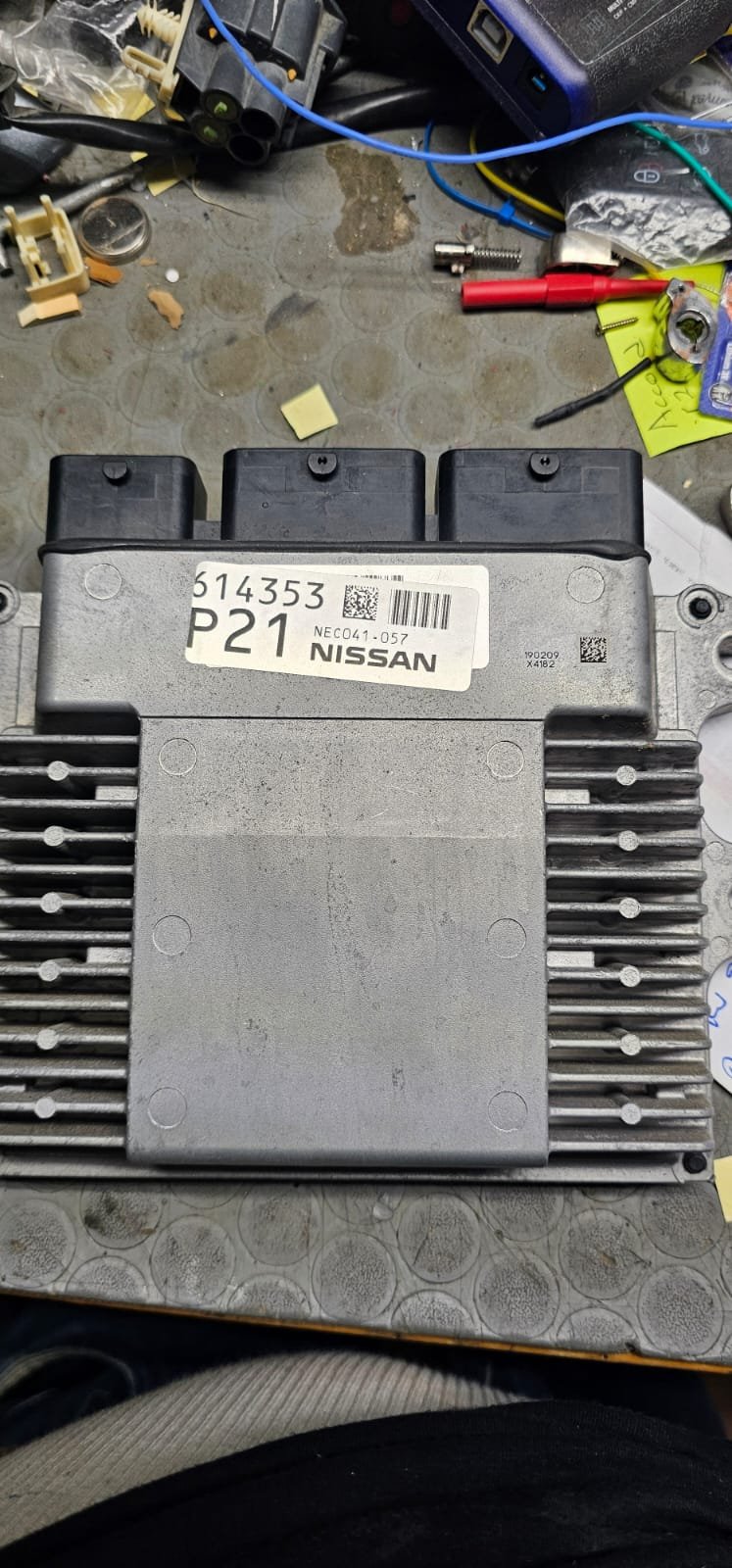
    hola buen día necesito leer una ecu de nissan altima 2019 motor 2.5 PR25DD cual seria la licencia que necesito comprar para leerla tiene el codigo P161F necesito virginizarla o hacerle immo off

Account

Navigation

Поиск

Поиск

Configure browser push notifications

Chrome (Android)
  1. Tap the lock icon next to the address bar.
  2. Tap Permissions → Notifications.
  3. Adjust your preference.
Chrome (Desktop)
  1. Click the padlock icon in the address bar.
  2. Select Site settings.
  3. Find Notifications and adjust your preference.