Перейти к контенту
View in the app

A better way to browse. Learn more.

MMCFLASH

A full-screen app on your home screen with push notifications, badges and more.

To install this app on iOS and iPadOS
  1. Tap the Share icon in Safari
  2. Scroll the menu and tap Add to Home Screen.
  3. Tap Add in the top-right corner.
To install this app on Android
  1. Tap the 3-dot menu (⋮) in the top-right corner of the browser.
  2. Tap Add to Home screen or Install app.
  3. Confirm by tapping Install.

Mike prater

Пользователи
  • Регистрация

  • Последнее посещение

  1. тема форума ответил на Mike prater автора Mike prater в Иммобилайзеры
    Good day, I just wanted to share an update: the solution provided by mmcflash is absolutely correct and works perfectly. Thank you very much for the support. Outstanding experience - A+++
  2. тема форума ответил на Mike prater автора Mike prater в Иммобилайзеры
    Hello, Please can you confirm which module i need as there is 3 versions of the 103 module? The 400$, 67$ Or 133$ Regards Mike 103 Module Master, Nissan Hitachi SH72533/SH72543 400$ 103 Module Slave, Nissan Hitachi SH72533/SH72543 67$ 103 Module, Nissan Hitachi SH72533/SH72543 133$
  3. тема форума ответил на Mike prater автора Mike prater в Иммобилайзеры
    Thank you for your help, Do i read via OBD or pinout the box? Regards
  4. Mike prater зарегистрировался на сайте
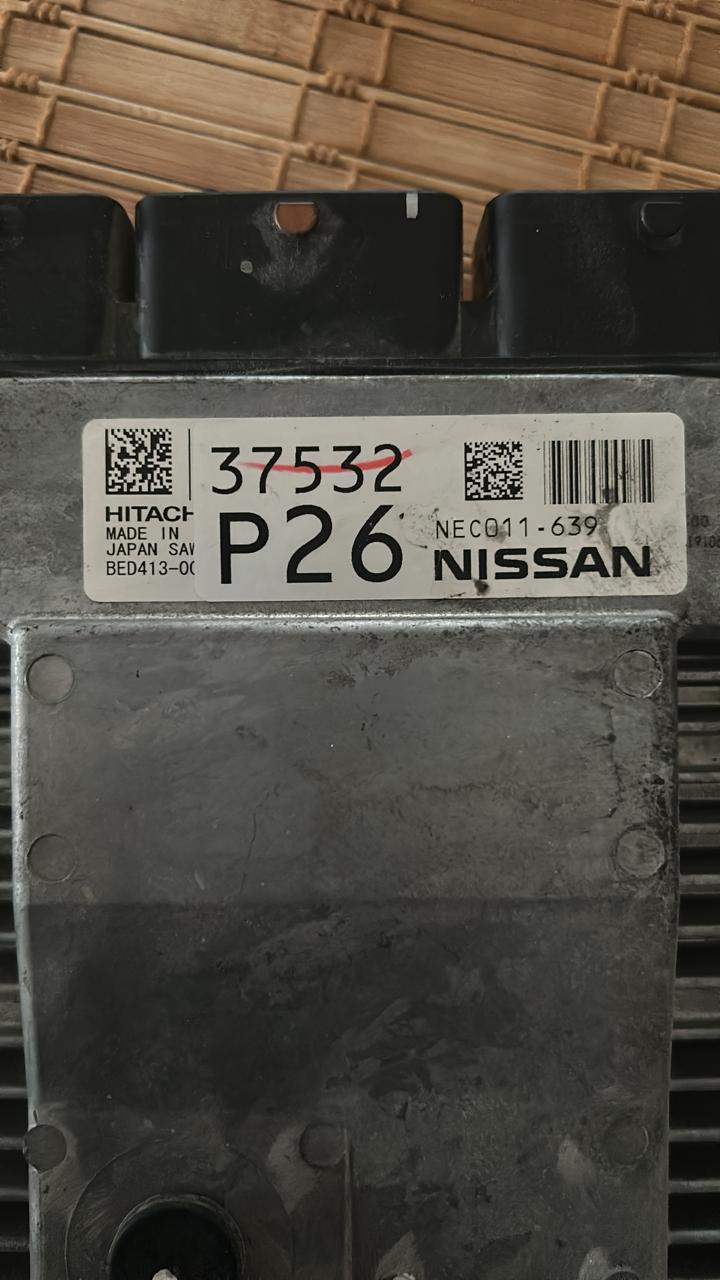
  5. Good Afternoon, I am seeking assistance with an issue related to Code P161F. I have purchased MMC Flash and would like to know which module is required for this task. Additionally, I need guidance on the correct pinout to use. The chipset in question is SH72533. Thank you in advance for your support.

Account

Navigation

Поиск

Поиск

Configure browser push notifications

Chrome (Android)
  1. Tap the lock icon next to the address bar.
  2. Tap Permissions → Notifications.
  3. Adjust your preference.
Chrome (Desktop)
  1. Click the padlock icon in the address bar.
  2. Select Site settings.
  3. Find Notifications and adjust your preference.